
 Christina d'souza
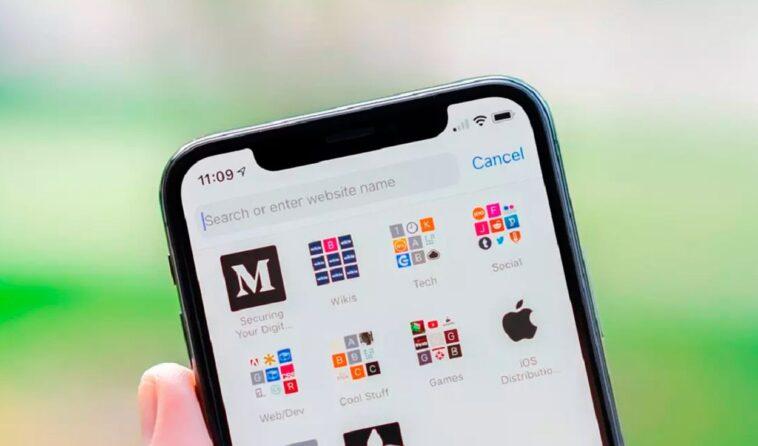
The new version of Apple’s operating system, iOS 15, has a great series of tricks that are revealed after several months of its launch. This software stands out from its predecessors by providing customization features for the iPhone, such as the ability to customize the Safari browser with a wallpaper of your choice.
As detailed by Xataka Móvil, a medium specialized in technology, owners with an iPhone that works with iOS 15 have the option to change the wallpaper that is displayed when opening a new Safari page.
Best of all, you can use an image provided by the browser itself or choose one from your photo gallery. The procedure is very simple and it will not take you five minutes to activate it. Do you know how? Follow these steps.
How to change Safari wallpaper on iPhone?
- Open the Safari browser from your iPhone and create a new page. In case you have several tabs open, you have to go to the home page. If you don’t know how to do it, you just have to touch the symbol with the two boxes that appears in the lower right corner.
- Then, scroll down to the bottom area, under the COVID notice, and click on Edit.
- The Customize Home Page window will open with various options. Go to the one that says Background Image.
- When the option is activated, you will be asked to select a wallpaper from the stock loaded by default or from all the images you have in your photo gallery.
- Finally, you go back to Personalize the main page and you will see how the image you selected appears as the Safari wallpaper.


GIPHY App Key not set. Please check settings