
 Geekybar
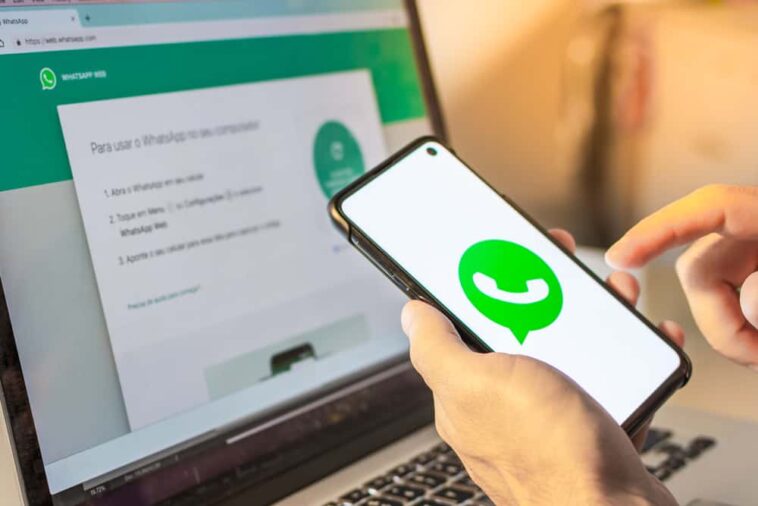
WhatsApp Web users took a great surprise, after learning that there is an alternative method that allows you to open your account on a computer, without the need to scan the QR code with your smartphone. Would you like to learn it? Here we reveal it to you.
The problem with this trick is that to use it it is advisable to have a very powerful PC or laptop, since it will be necessary to install a program created by third parties that, when executed, consumes many system resources.
How to open your WhatsApp Web account without scanning the QR code?
1. You must first download Blue Stacks 4 on your computer. This program is one of the most famous Android emulators that is free and quite safe.
2. Once you have installed the software on your PC or laptop, a window will open with the interface of an Android device. Find the Play Store app.
3. When you are inside the virtual store, you must download WhatsApp and other apps that you want to test your computer.
4. Open the messaging application that you just installed, enter the code that arrived on your smartphone and that would be it.
5. Your account will open on your PC, but not like WhatsApp Web, but as if it were an Android device.
6. It is worth noting that the instant messaging application will be closed on your cell phone since the developers (for the moment) have not yet enabled the multi-device option.
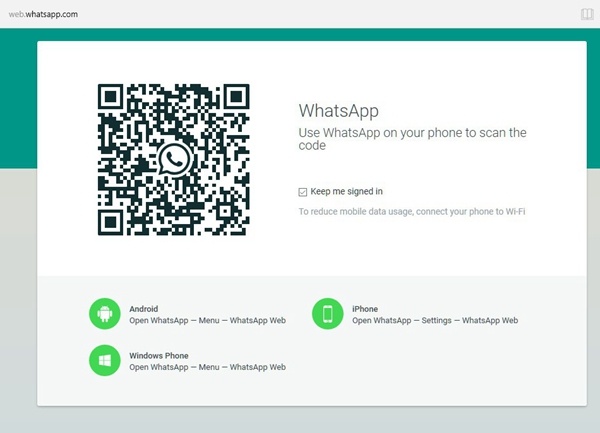
Multi-device function
WhatsApp developers are working on the multi-device call function that will allow you to open your account on several computers (phone, tablet, laptop, etc.) and that the chats are synchronized.
At the moment, this function is in the testing phase, that is, only some people can test it in order to report possible bugs. It is not known when it will officially reach the rest of the users.
Other WhatsApp news
WhatsApp receives the function to add contacts with QR code on Android phones
Through the WABetaInfo portal, it was announced that WhatsApp would receive the new function that allows users to add contacts through a QR code. This long-awaited feature was only available in the iOS beta. However, a recent report indicates that it can also be used on Android phones.
WhatsApp had recently enabled QR code support in the latest iOS beta updates on TestFlight and this Friday WhatsApp is officially rolling out the feature for all Android beta testers.

Leave groups without anyone knowing
If you are tired of belonging to a WhatsApp group, but you are ashamed to leave it, you should know that there is a secret trick with which you can say goodbye to that annoying group chat and no one will notice that you left.
If you’re eager to know this fantastic trick of WhatsApp, which few people know about, all you have to do is follow the steps showing you the following video that will soon become trend in social networking.
Bold, italic, and underline
Few WhatsApp users know that the application allows you to bold, italicize, and underline certain texts, this in order to highlight these messages and that in this way the other person knows that they are important.
It is worth noting that this function is available for all WhatsApp users, not only for Android users but also for iPhone users. If you want to know how to bold, italicize or underline, then watch the following video.



GIPHY App Key not set. Please check settings