
 Christina d'souza
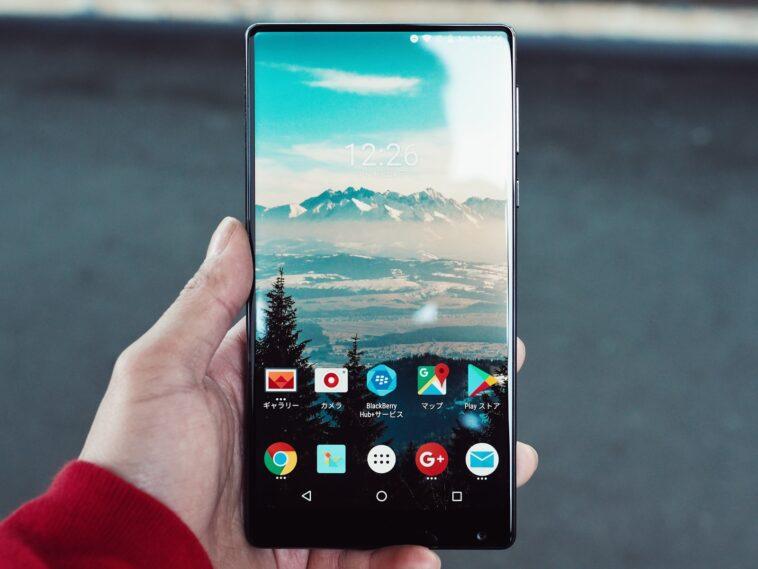
All smartphones on the market get slower over time. This is completely normal, especially on cheaper devices with more modest hardware. If a mobile phone is slow, it is not a reason to change it the first time, there are things you can do to optimize it.
Smartphones can slow down, freeze or crash for various reasons. Possible culprits are full storage space and outdated software; however, customization layers often cause delays on the mobile device.
How to increase the speed of your Android phone?
One of the simplest methods that we can carry out on our smartphone so that it increases its speed is to activate the option for developers. To do so, we just have to follow these steps:
- Go to the Settings of your cell phone.
- Now go to About Phone.
- At that moment look for the Software Information tab.
- There you must click several times on ‘Build number’.
- Now the ‘Developer Option’ will simply be activated.
- With this, you must return to the Settings of your device and scroll down until you find ‘Developer options’.
- Find ‘Window Animation Scale’.
- Deactivate it and you’re done. With this, all the animations of your cell phone will be paused and you will be able to improve the performance of your smartphone, obtaining a little more speed.
However, it is not the only thing you can do on your mobile, since storage is one of the main reasons why mobile can be slower. Just because you have a solid storage chip doesn’t mean its performance can’t drop. When it is almost full, it will start to slow down on reads and writes.
Freeing up large amounts of internal storage can give your device a break and make it run faster. You can delete photos, large files, conversations or use apps like Files By Google to delete them all in one step.
You can also take other common actions like rebooting your phone from time to time, deleting apps you don’t use, and having your smartphone updated to the latest version of Android.
Why do new smartphones no longer have a headphone jack?
Technology is constantly changing, from time to time some features are disappearing in smartphones. The removable batteries, the FM radio, the start button and now the input for headphones or audio jack that we no longer see in the new mobiles.
Phone manufacturers have come a long way in developing devices that can withstand different types of situations, so they have considered that possible weak points must be eliminated. In this sense, the mini jack port is very sensitive to water, since liquid can freely pass through it, causing damage to the smartphone.



GIPHY App Key not set. Please check settings