
 Christina d'souza
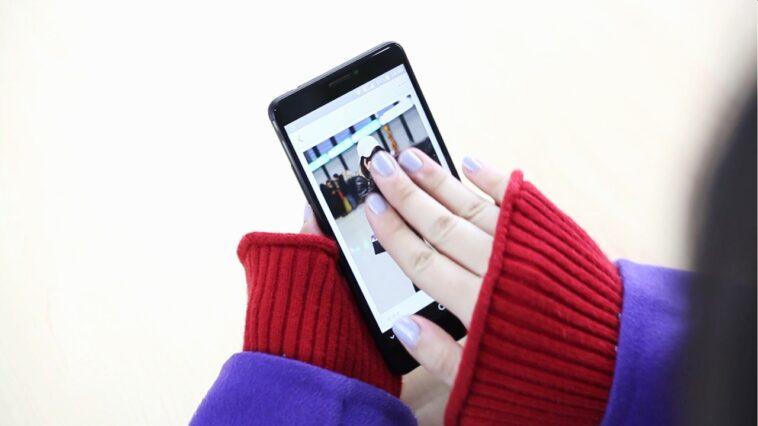
Although the smartphones developed by Xiaomi are very popular, most users are unaware of some hidden functions that can be very useful. One of them, for example, is activated by sliding three fingers down on the screen. What happens? Here we tell you.
As detailed by Andro4all, a portal specialized in technology, this trick allows you to take a screenshot in seconds, without the need to press the off and volume down buttons, that is, the traditional method of taking screenshots that is not always successful. the first.
According to the publication, this resource not only works on Xiaomi phones, but it is also compatible with Redmi and POCO. In case you cannot use it, do not worry, surely that option has been deactivated on your cell phone. Here we are going to show you the steps so that you can enable it.
- Enter the settings of your Xiaomi smartphone.
- Select Additional Settings and then the Gesture Shortcuts option
- Finally, go to Take screenshot.
- Three options will appear to make screenshots, you will have to activate the one you like the most.
The first (sliding the three fingers down on the screen) is one of the most useful, although you can also opt for the traditional way (pressing the buttons) or for a third method that consists of making a double tap on the screen with your knuckles.
It is worth noting that there is also a way to capture small parts of the screen. In this way, you no longer have to cut the screenshot before sending the image to one of your friends. To achieve this, you will have to follow these instructions.
- Go back to the option Shortcuts by gestures, but no longer choose ‘Take screenshot’, but ‘ Partial screenshot ‘.
- There are two ways to make this type of screenshot, the first is to press the screen with three fingers for a few seconds and the other is to choose the area with your knuckles.
- This third method is the most recommended since you yourself will be able to choose a small fragment that will be saved as an image.


GIPHY App Key not set. Please check settings