Categories: Technology

WhatsApp Web: how to enter, log out and scan the QR code?

Learn everything about your favorite messaging app, from how to log in to how to close it.

WhatsApp, one of the most popular messaging applications in the world, was initially created as an application to download on mobile devices; However, thanks to its constant technological innovations, in 2015 WhatsApp Web became knownThis version allows you to use this app through any computer, be it PC or Mac. In this note, we teach you everything you need about the web version of WhatsApp.

What is WhatsApp Web?

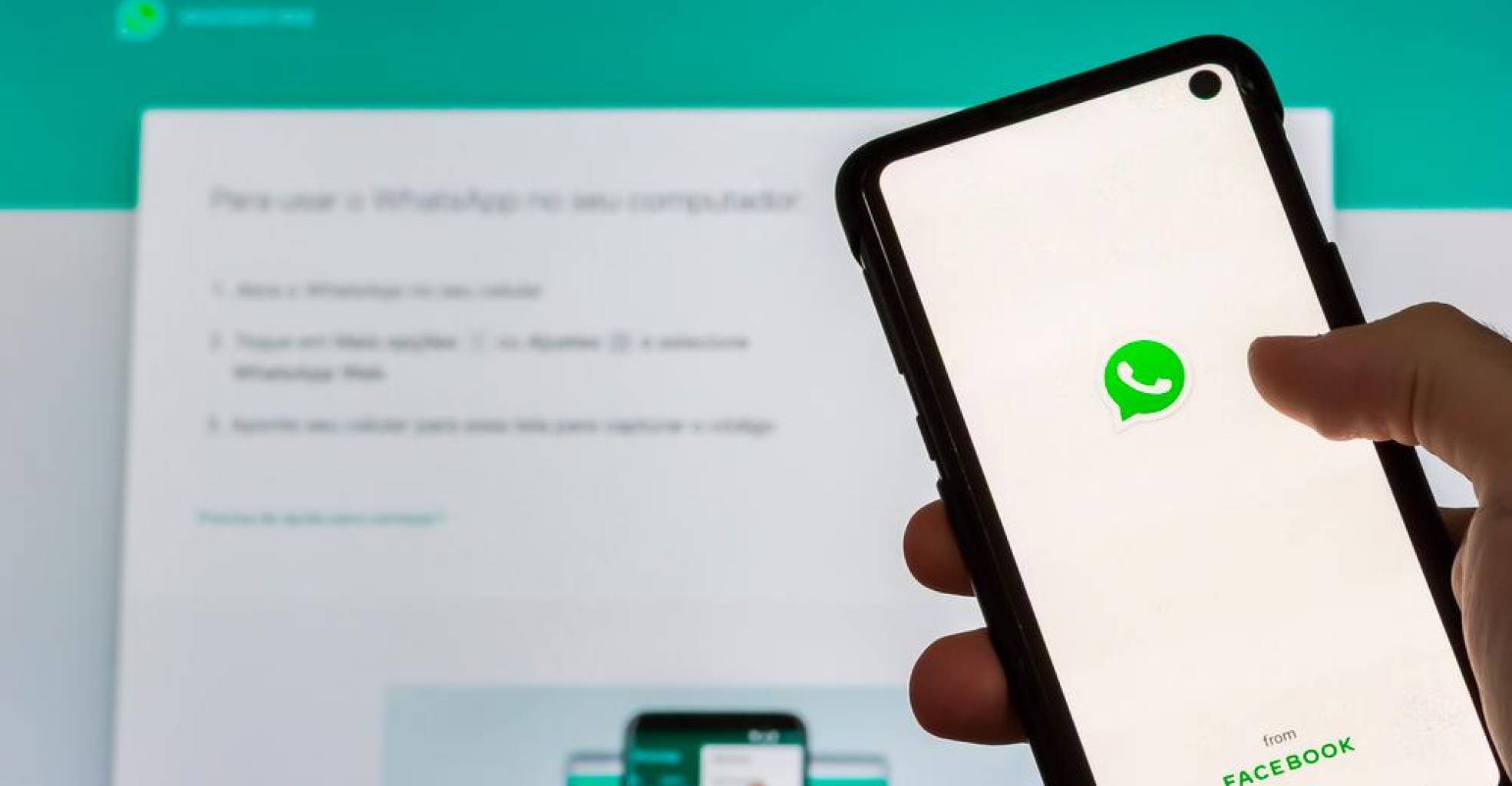
WhatsApp Web is an official version of WhatsApp that allows people to access the app from any computer. One of the most obvious advantages of this version is that it synchronizes the messages you send and receive, so you can see them on both devices

How to enter WhatsApp Web?

  • Enter WhatsApp Web from your computer.
  • Once there, a QR code will appear that you must scan with your cell phone.
  • When you do this, a WhatsApp Web session will be started that will allow you to use the service from your computer, tablet, or any other device.

How to scan the QR code with your cell phone?

One of the requirements to log in to WhatsApp Web is to scan the QR code that appears on the screen. To do so, you must follow the following steps:

  • Enter WhatsApp and select the icon for more options on Android phones. If your mobile device is iOs, choose the Settings option.
  • Next, tap the Pair a device option.
  • Once inside, your cell phone camera will be activated.
  • When this happens, zoom in and point your phone at your computer screen. Hold that position until the QR code has finished scanning.
  • If prompted, tap or select Done. That is all!

How does WhatsApp Web work?

For the web version of WhatsApp to work properly, the linked phone is required to be connected to an internet signal or mobile data. In this way, the messages can be synchronized and you can see them on both devices.

What can you do and what not on WhatsApp Web?

WhatsApp Web is quite complete with regard to tools and functionalities. This version, like the mobile application, allows you to send and receive messages, voice notes, consult multimedia files, send stickers, and more. However, it has certain limitations. Next, we present a list of those functions that you will not be able to perform from WhatsApp Web:

  • Share location
  • Voice calls
  • Add filters to photos
  • Video calls
  • Upload stories
  • Add contacts
  • Configure privacy section
  • Set phone number change
  • Set up automatic downloads
  • Check data usage

How to log out of WhatsApp Web?

You can log out of WhatsApp Web from your phone or computer. Here we teach you how to do it.

From your computer

  • Open WhatsApp Web.
  • Click the Menu icon above the chat list.
  • Choose the Logout option and you’re done.

From your cell phone

  • Enter the WhatsApp application. In Android select the icon of more options and in iOs touch the Settings option.
  • Once inside, click on the box that says Linked devices.
  • Please select a device.
  • Tap Sign out. That is all!

This post was last modified on November 18, 2021 12:21 pm

Christina d'souza

Proofreader, editor, journalist. I have been doing my favourite thing for more than six years.

Recent Posts

Review of ‘Berlín’: A more enjoyable robbery than in Money Heist’, with a band that you fall in love with

Creating a completely different series based on a universe that knows half the world can't… Read More

2 years ago

The best series of 2023

The strikes of scriptwriters and actors have put in check the constant flow of content to… Read More

2 years ago

Who is Samantha Siqueiros, the seductive Camile in ‘Berlin: Money Heist’ on Netflix

Money Heist has returned to Netflix. This time as a prequel to the original series… Read More

2 years ago

You only have 2 days to see it: what for many is the best war film in the history of cinema is leaving Netflix

One of the 50 best war films in cinema history turns 25 years old. And it is not… Read More

2 years ago

A kiss that promises orgasms: the Singapore kiss

What is the singapore kiss In short, it is about emulating during intercourse, through the… Read More

3 years ago

PlayStation does not want you to become an online bully, and this is demonstrated with a patent that aims to analyze your voice when you play

Regarding patents, Sony is one of the technology companies that has carried out the most registrations in… Read More

3 years ago