WINDOWS 11 C
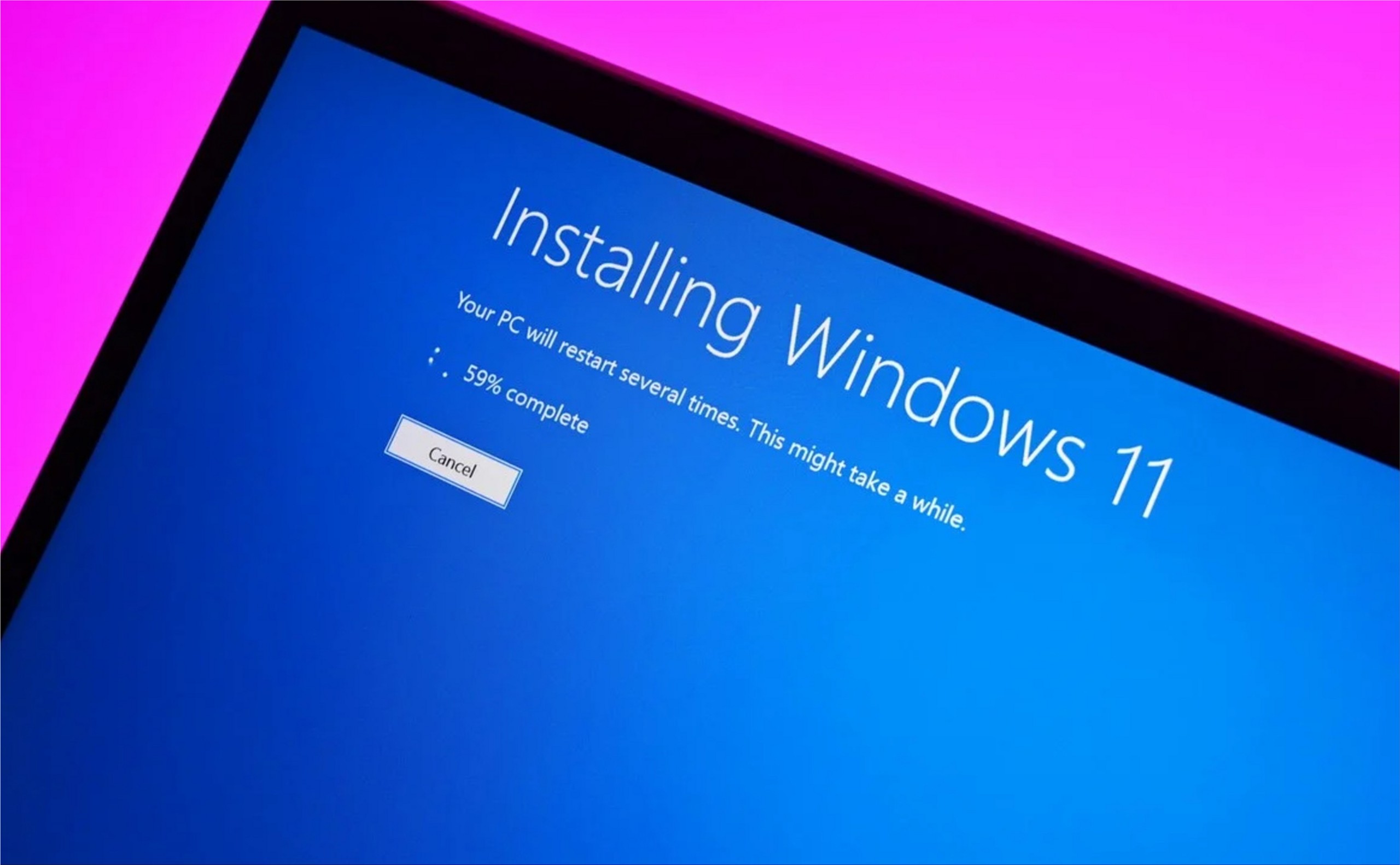
Most users of Windows 11, the latest operating system created by Microsoft, do not know that this software has a very interesting tool that allows users to restore their desktop or laptop to factory mode, without having to lose their personal files, that is, you can return everything to zero and your images, videos, documents, etc., will not be deleted. Do you want to know how? Here we reveal all the steps.
As detailed by MuyComputer, a portal specialized in technology, this function of Windows 11 (which is also present in its predecessor) is usually used in case you have problems with the operating system that you have not been able to solve by other means such as having infected the computer with viruses or malware, feeling that it is excessively slow, among other options.
The programs that you have on your computer will be deleted, the only ones that will be kept are those that are predetermined. If you have installed Photoshop, Microsoft Officer, Premiere, or other software, you will have to reinstall it, after restoring to factory mode.
1. Press the ‘Windows + I’ keys to open the configuration window.
2. Enter the System option and choose recovery.
3. Windows 11 will show two options: keep my files and remove everything.
4. You must choose the first option because if you choose the second, the machine will be formatted and you will lose all the images, videos, or documents that you have saved.
In case you want to sell your laptop or PC, it is advisable to choose to remove everything. Not only that, but you must also activate the delete data option. Although this may take a long time, it means that the new owner cannot recover the old files that were on the hard drive.
One of the aesthetic innovations of Windows 11, the new operating system from Microsoft, is that the Start menu is located in the central part, an interface that looks very similar to the macOS of Apple. Although most of the people who installed this software on their computers are happy with this design change, there are some who still do not get used to it and prefer the classic mode. Is there a way to place that tool on the left?
As detailed by Xataka, a portal specialized in technology, the company founded by Bill Gates incorporated an option that allows Windows 11 users to move the taskbar from the center to the left, with the aim that those people who are used to its classic mode, have no problem using this new version.
İçindekiler 1. Mobil Oyun Keyfi 2. Kayıt & İlk İzlenim 3. Casino Oyunları 4. Bonuslar… Read More
Содержание Новые игры поставщиков Игровые темы и механики Бонусы и рейтинги Пополнение и выплаты Опыт… Read More
Table of Contents Overview Features Payments Tips Conclusion Mobile Gaming Experience ‒ Play Anytime, Anywhere… Read More
Table des matières L'art de jouer Machines à sous Jeux de table Inscription & paiements… Read More
Содержание О платформе Преимущества Регистрация и бонусы Слоты и ставки Платежи и безопасность Отзывы Rewievs… Read More
Оглавление 1. VIP Статус и что это значит 2. Как получить VIP в казино 3.… Read More
