gmail 2
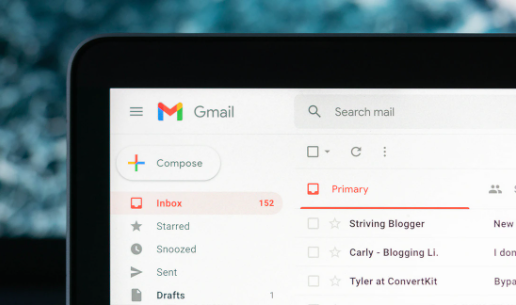
Take note. Among the wide variety of tools that the Gmail platform offers, such as confidential messages and access without an internet connection, there is one in particular that allows you to download your emails directly to your computer.
In addition to the fact that these files can be used to attach them to messages, downloading them will also help you free up space in your inbox, which has a free limit of 15 GB and is shared with Google Drive and Google Photos items.
Within seconds, a file in the EML format (an extension created by Microsoft Corporation) will download to your computer. To open this item, you will need a desktop email client.
Every time you need it, you can attach an email to another. To do this, follow these steps:
When the recipient receives the email, they will only have to click on the attached file to view the email in question, so they will not need to install any external program. In addition, you will have the possibility to download said item on your PC or save it in your Google Drive account.
The John Wick series has established itself as one of the few major action series today that… Read More
After binge-watching Shadow and Bone season 2, many viewers have been left with a million… Read More
The thought of Thor coming down from the heavens and saving us from catastrophes is… Read More
The action movie industry has been dominated by superhero franchises such as Marvel and DC… Read More
You might be disappointed when you watch Tiller Russell's latest documentary series, Waco: American Apocalypse,… Read More
The Pope’s Exorcist is a horror movie released in 2023 that’s based on the life… Read More
