Today we will let you know the reason why you should activate the “dark mode” within the WhatsApp application.
Today we will let you know the reason why you should activate the ” dark mode ” within the WhatsApp application , because although it may not seem like it, it is better that you use it, so continue reading.
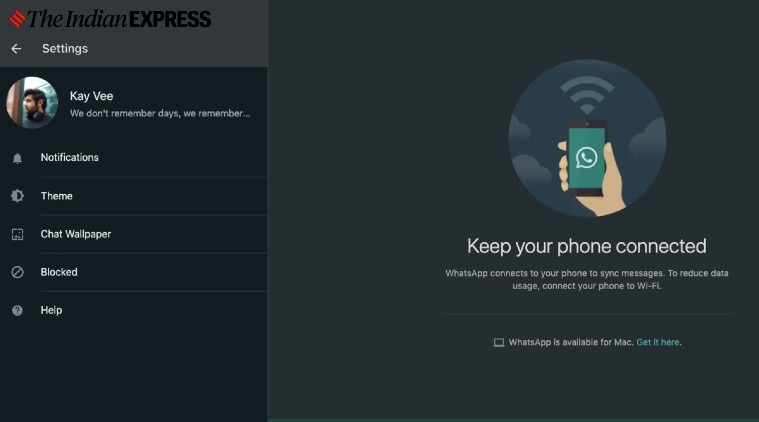

In order to enable the “dark mode” on your cell phone, you just have to go to Settings, after that you must enter Chats and now click on where it says “Themes” and there simply click on “Dark”, and then you will see that the app will change of tonality.
https://www.instagram.com/jessicanabongo/?ut
On the other hand, if you still do not have the “dark mode” of WhatsApp active, then you should know the following and that is that, first of all, if your cell phone has an AMOLED screen, the fact that you have the so-called “dark theme” will help you to save battery.
In general, these types of displays tend to turn off certain pixels when you activate the “dark mode” in WhatsApp. Another detail is that it will prevent your eyes from getting tired too quickly, this also prevents visual fatigue, something that is so harmful today.
The “dark mode” of WhatsApp also has a nice design and is quite minimalist, so it is a good idea to have it and if you want to program it, you can also do it from the Settings of your cell phone .