
 Geekybar
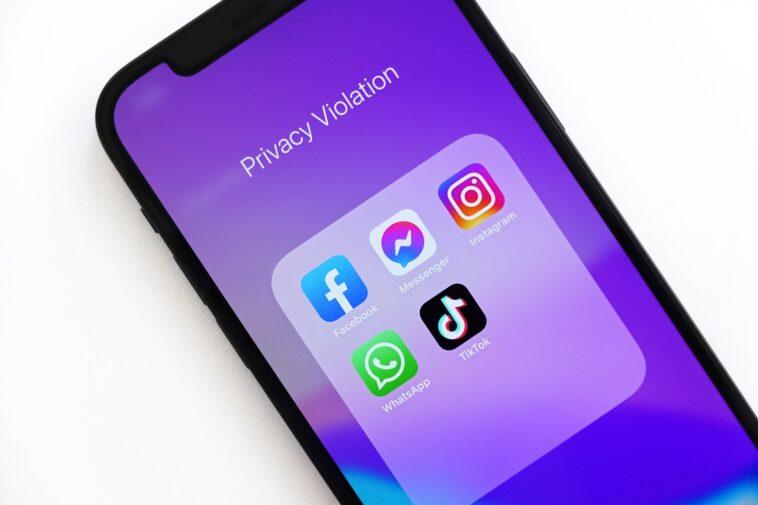
The so-called ‘spy mode’ of WhatsApp allows you to go unnoticed in the messaging app because it offers the user a series of tools so that they can check the platform without their read receipts or their name appearing when viewing statuses.
The contacts will think that person no longer uses WhatsApp, what they will not know is that they do.
How to be a spy on WhatsApp?
The user should start by turning off read receipts. To do this, you first need to make sure you don’t have any pending updates on your Play Store or App Store. After that, you can follow these steps:
- Enter the Settings by clicking on the icon of the three vertical points located in the upper right (for Android), or the icon of the gear that is located in the lower right.
- Click Account > Privacy and turn off the Read Receipts switch.
After performing these steps, the ‘double blue check ‘ will no longer appear in each message or voice note sent. It is worth mentioning that the person who has this setting activated will also not be able to know if their contacts read or listened to it.
The Read Receipt setting also applies to states. That is, whoever has activated this option will be able to see the stories of their contacts and their name will not appear in the list of views. However, it will also not know who watches its stories because the number of views will appear at zero.
Group messages and audios in incognito
In WhatsApp groups, you can find out who has seen the messages or listened to the audio by pressing these messages for a few seconds, then clicking on the three dots located at the top right and clicking on Info. There you will see Seen by and all contacts who viewed or listened to your message.
To avoid this and activate the spy mode, the following must be done:
- Upon receiving the group message, close the application.
- Clear notifications and close all windows open in the background.
- Pull down the menu bar, turn off Wi-Fi or internet, and turn on airplane mode.
- Wait between five to ten seconds for the cell phone to completely disconnect from the internet.
- Open WhatsApp, enter the group chat. Read the messages and listen to the audio.
- Close the app and remove it from the background. (You probably won’t be able to see the photos because you’ll need to download them.)
- Turn off airplane mode to connect again.
In this way, no one will know if the user read or listened to the audios sent to the group chat, because their name will not appear in the Seen by list.
Another way to go unnoticed in the messaging network is by using the WAIncognito extension, which is installed in the Google browser.
With this tool, the user will have an extra function that allows the connection status to be hidden. In addition, this plugin does not need to be configured from the phone and also offers the possibility of being able to check the status of the contacts, without them knowing.
In addition, the user will be able to prevent the double blue check from appearing when reading a message and the last seen notification will not appear either. That is, it includes all the settings mentioned above but is activated through an extension, not directly on the phone.
The best quality of this tool is that since it is an extension installed in Google Chrome, the user is not exposed to a penalty for violating WhatsApp’s privacy regulations. This is thanks to the fact that the program does not access the messages and other contents that are in the instant messaging application.



GIPHY App Key not set. Please check settings