XIAOME
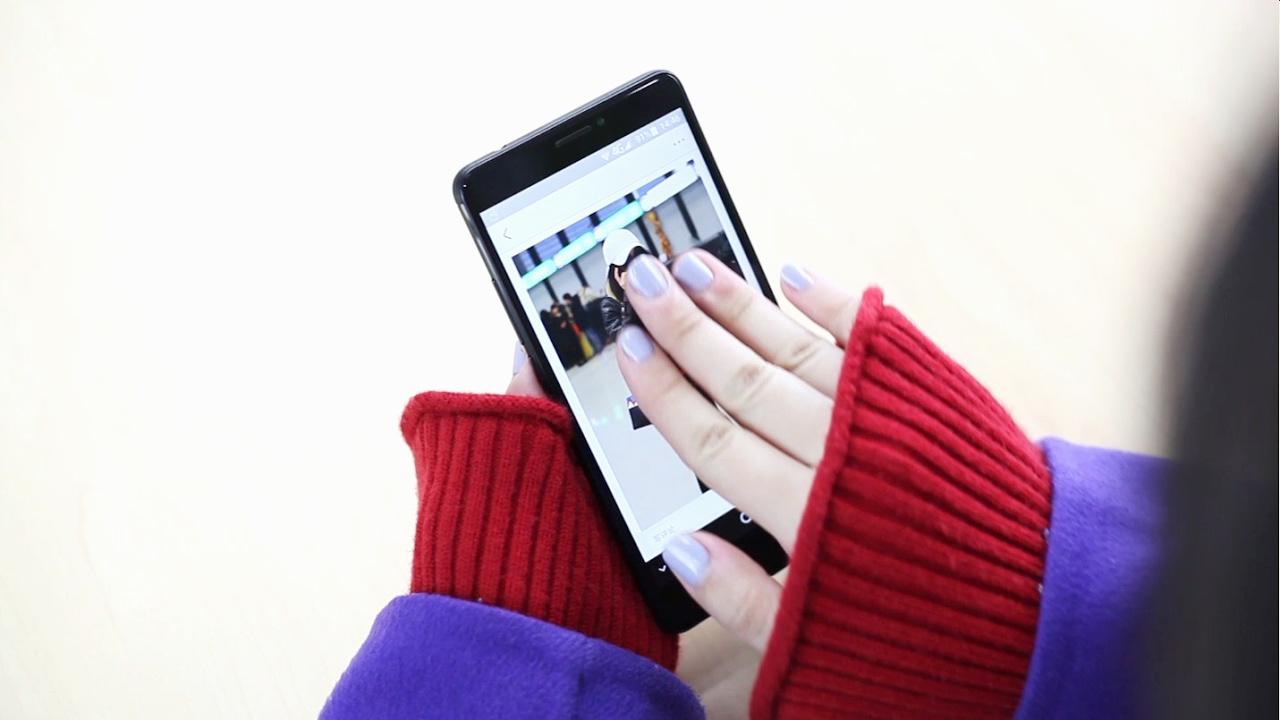
Although the smartphones developed by Xiaomi are very popular, most users are unaware of some hidden functions that can be very useful. One of them, for example, is activated by sliding three fingers down on the screen. What happens? Here we tell you.
As detailed by Andro4all, a portal specialized in technology, this trick allows you to take a screenshot in seconds, without the need to press the off and volume down buttons, that is, the traditional method of taking screenshots that is not always successful. the first.
According to the publication, this resource not only works on Xiaomi phones, but it is also compatible with Redmi and POCO. In case you cannot use it, do not worry, surely that option has been deactivated on your cell phone. Here we are going to show you the steps so that you can enable it.
The first (sliding the three fingers down on the screen) is one of the most useful, although you can also opt for the traditional way (pressing the buttons) or for a third method that consists of making a double tap on the screen with your knuckles.
It is worth noting that there is also a way to capture small parts of the screen. In this way, you no longer have to cut the screenshot before sending the image to one of your friends. To achieve this, you will have to follow these instructions.
This post was last modified on December 29, 2021 7:20 pm
The John Wick series has established itself as one of the few major action series today that… Read More
After binge-watching Shadow and Bone season 2, many viewers have been left with a million… Read More
The thought of Thor coming down from the heavens and saving us from catastrophes is… Read More
The action movie industry has been dominated by superhero franchises such as Marvel and DC… Read More
You might be disappointed when you watch Tiller Russell's latest documentary series, Waco: American Apocalypse,… Read More
The Pope’s Exorcist is a horror movie released in 2023 that’s based on the life… Read More
