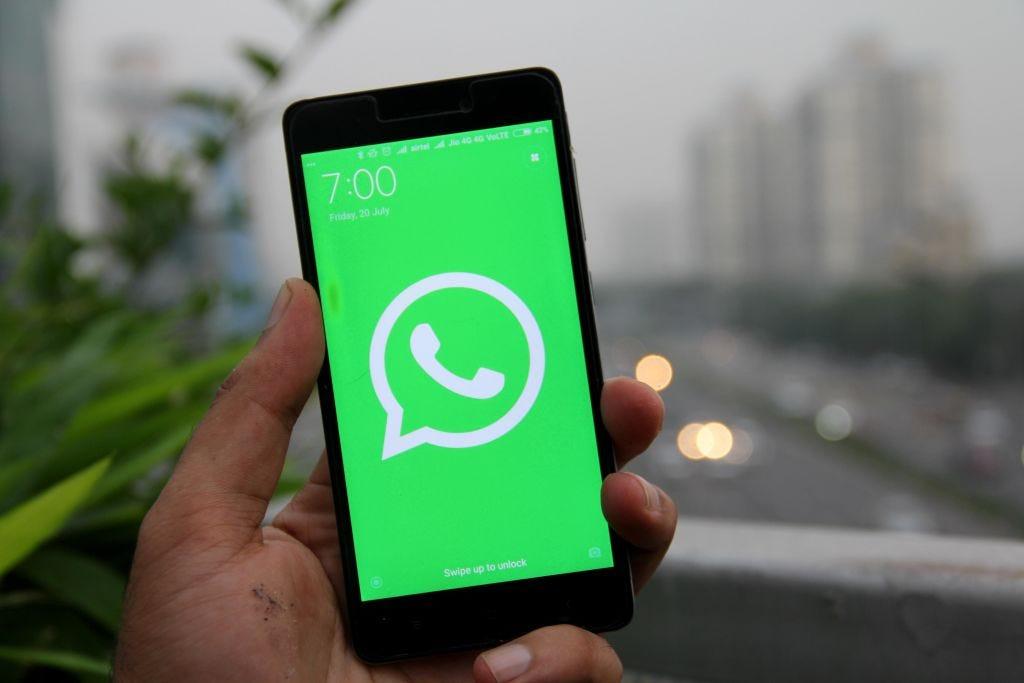
whatsapp 3
WhatsApp is the most important instant messaging application for users in the world, despite the existence of alternatives such as iMessage, Telegram, Signal, among others.
This leads many users to have certain considerations about this app that are different from other applications. For example, facilitating shortcuts.
It is very possible that your WhatsApp icon is in a quite conspicuous place to access more easily.
Now, can you imagine making that access even easier? keep reading, especially if you are an Android user.
Access to applications with the lock screen is very limited, but they allow easier access to some functions, among which is WhatsApp.
The step by step to enable it is:
Step 1: Enter the Settings of your cell phone.
Step 2: Find the Lock Screen section.
Step 3: Look for the ‘Shortcuts’ or ‘Shortcuts’ button.
Step 4: Two options will appear: ‘Shortcut Left’ or ‘Shortcut Right’.
Step 5: Choose the preferred one.
Step 6: Then all the apps on the cell phone will appear.
Step 7: Choose WhatsApp and tap on ‘Done’.
This way you can reply to a message that appears on your lock screen without having to unlock your mobile phone.
In the event that you want to reply to messages on iOS devices that have the screen locked, the mechanism is a bit different, you must:
Note:
This post was last modified on January 24, 2023 6:37 pm
The John Wick series has established itself as one of the few major action series today that… Read More
After binge-watching Shadow and Bone season 2, many viewers have been left with a million… Read More
The thought of Thor coming down from the heavens and saving us from catastrophes is… Read More
The action movie industry has been dominated by superhero franchises such as Marvel and DC… Read More
You might be disappointed when you watch Tiller Russell's latest documentary series, Waco: American Apocalypse,… Read More
The Pope’s Exorcist is a horror movie released in 2023 that’s based on the life… Read More
