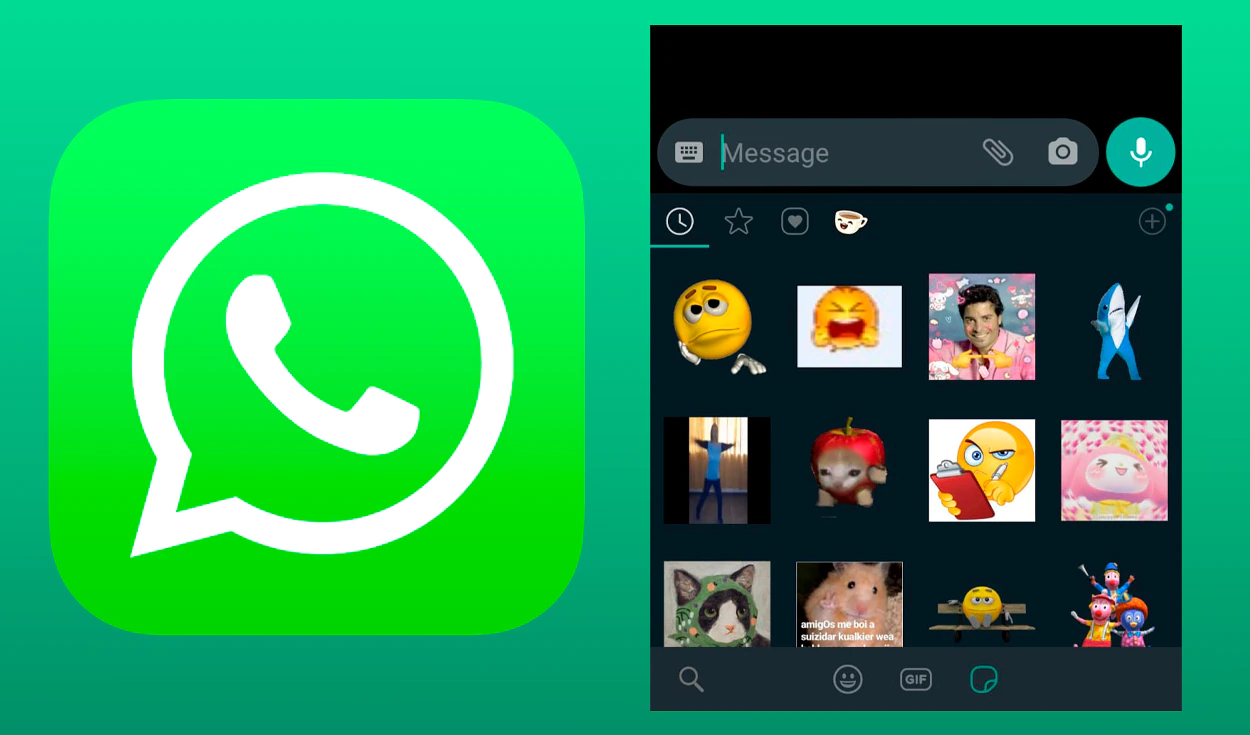
The acclaimed tool is now available on Android and iOS.
Finally! After users pray for a finder stickers for years, it is here. The new addition may have gone unnoticed on your mobile phone, but don’t worry. In this note, we will explain how to access this acclaimed tool and how to use it correctly in your conversations
There is no doubt that the integration of the funny WhatsApp stickers into the daily conversations of its users played a decisive role in its positioning as one of the main instant messaging apps in Latin America and the rest of the world. Even more so when it gave us the possibility to create our own versions.
One of the most followed complaints from users of this app, however, had to do with the impractical way of storing and searching these stickers. However, with this new feature, WhatsApp seeks to vindicate itself. What do you think?
First of all, you need to make sure that your WhatsApp application has the most recent update. If you have an iPhone, go to your App Store to verify it. If you have an Android, you will have to do the same in your Google Play Store . When you have this ready, follow these steps:
Unfortunately, it is not yet possible to adapt the keywords and their results in WhatsApp, so it is very likely that it will not work correctly with the stickers that you have made yourself or that you have downloaded from other places. With the stickers that come by default in the app, however, it works wonders. Have you already tried?
The John Wick series has established itself as one of the few major action series today that… Read More
After binge-watching Shadow and Bone season 2, many viewers have been left with a million… Read More
The thought of Thor coming down from the heavens and saving us from catastrophes is… Read More
The action movie industry has been dominated by superhero franchises such as Marvel and DC… Read More
You might be disappointed when you watch Tiller Russell's latest documentary series, Waco: American Apocalypse,… Read More
The Pope’s Exorcist is a horror movie released in 2023 that’s based on the life… Read More
