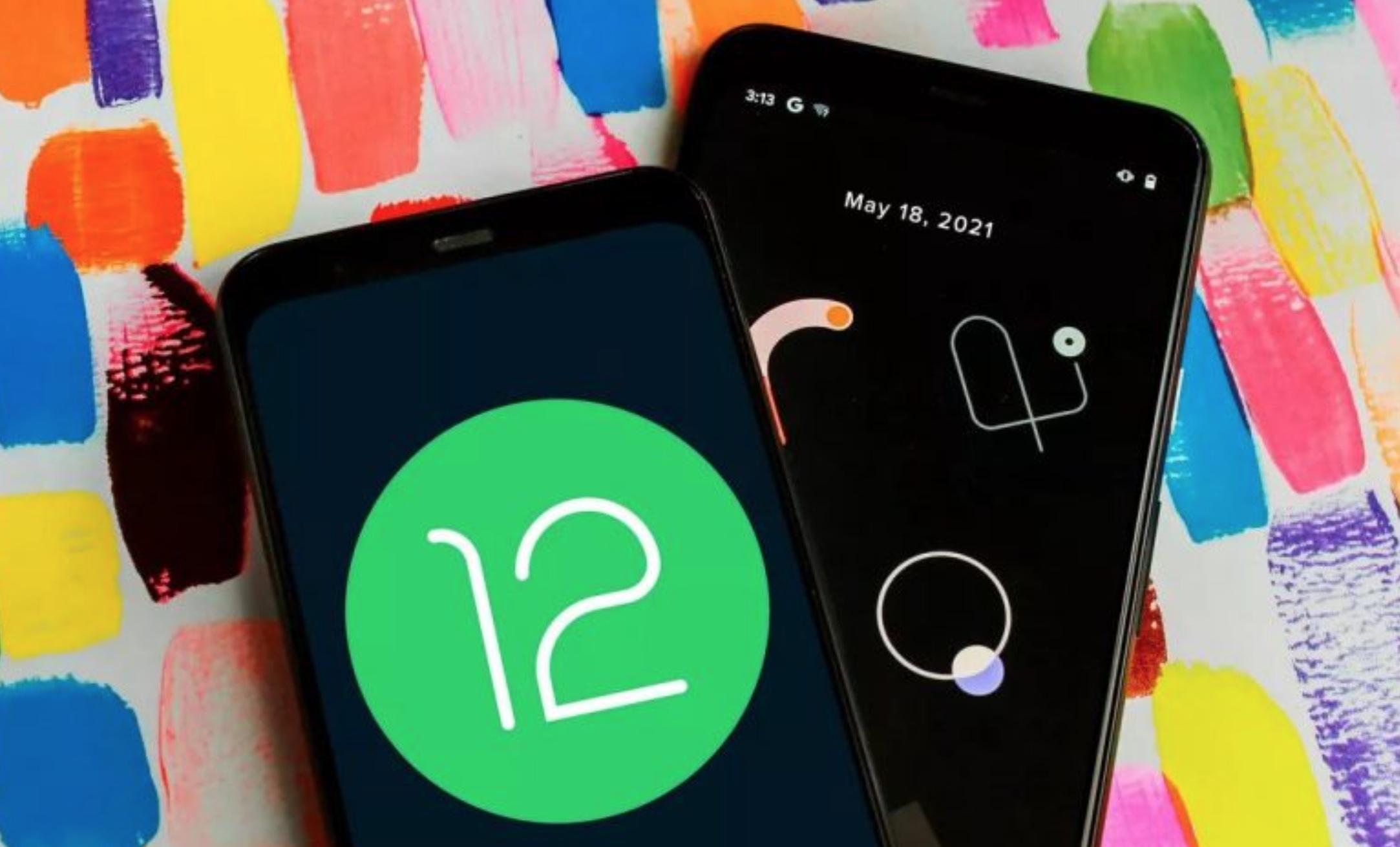
ANDROID 1 2
The arrival of the new Android operating system occurs little by little in various mobile devices around the world.
If you have a compatible smartphone, your device must comply with a specific requirement in a mandatory way to run Android 12 without problems.
We refer to the security and emergency menu, which allows knowing important information about each user in case they have an accident or medical emergency, and this type of information is needed.
If you open the privacy panel in settings, you will find the calendar section, where you can check which applications have access to your day-to-day data.
In addition, you should also verify access to the microphone and the camera. Remember that one of the new privacy settings in Android 12 disproves the myth of eavesdropping on platforms like Facebook and Google.
On your smartphone already updated with the new system, a green dot will appear in the top menu bar if one of the Android apps is using your phone’s microphone or camera. Through the quick settings, you can turn off some of these.
Although this lock is temporary, it is also possible to modify the permissions of the individual application from settings and make a permanent change.
This post was last modified on December 31, 2021 7:44 pm
The John Wick series has established itself as one of the few major action series today that… Read More
After binge-watching Shadow and Bone season 2, many viewers have been left with a million… Read More
The thought of Thor coming down from the heavens and saving us from catastrophes is… Read More
The action movie industry has been dominated by superhero franchises such as Marvel and DC… Read More
You might be disappointed when you watch Tiller Russell's latest documentary series, Waco: American Apocalypse,… Read More
The Pope’s Exorcist is a horror movie released in 2023 that’s based on the life… Read More

