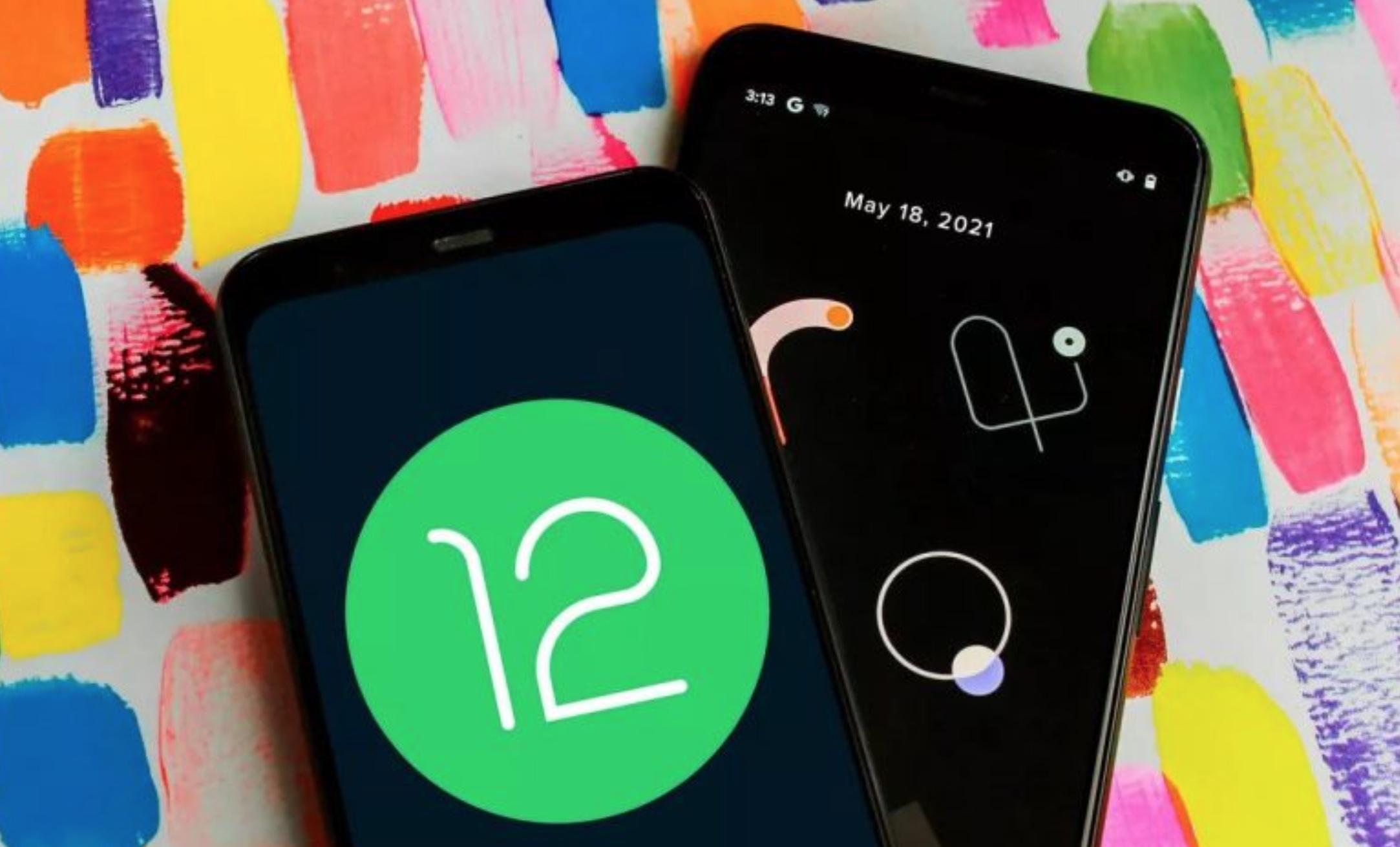
ANDROID 1 2
The arrival of the new Android operating system occurs little by little in various mobile devices around the world.
If you have a compatible smartphone, your device must comply with a specific requirement in a mandatory way to run Android 12 without problems.
We refer to the security and emergency menu, which allows knowing important information about each user in case they have an accident or medical emergency, and this type of information is needed.
If you open the privacy panel in settings, you will find the calendar section, where you can check which applications have access to your day-to-day data.
In addition, you should also verify access to the microphone and the camera. Remember that one of the new privacy settings in Android 12 disproves the myth of eavesdropping on platforms like Facebook and Google.
On your smartphone already updated with the new system, a green dot will appear in the top menu bar if one of the Android apps is using your phone’s microphone or camera. Through the quick settings, you can turn off some of these.
Although this lock is temporary, it is also possible to modify the permissions of the individual application from settings and make a permanent change.
This post was last modified on December 31, 2021 7:44 pm
Creating a completely different series based on a universe that knows half the world can't… Read More
The strikes of scriptwriters and actors have put in check the constant flow of content to… Read More
Money Heist has returned to Netflix. This time as a prequel to the original series… Read More
One of the 50 best war films in cinema history turns 25 years old. And it is not… Read More
What is the singapore kiss In short, it is about emulating during intercourse, through the… Read More
Regarding patents, Sony is one of the technology companies that has carried out the most registrations in… Read More

