SAMSUNG 1 2
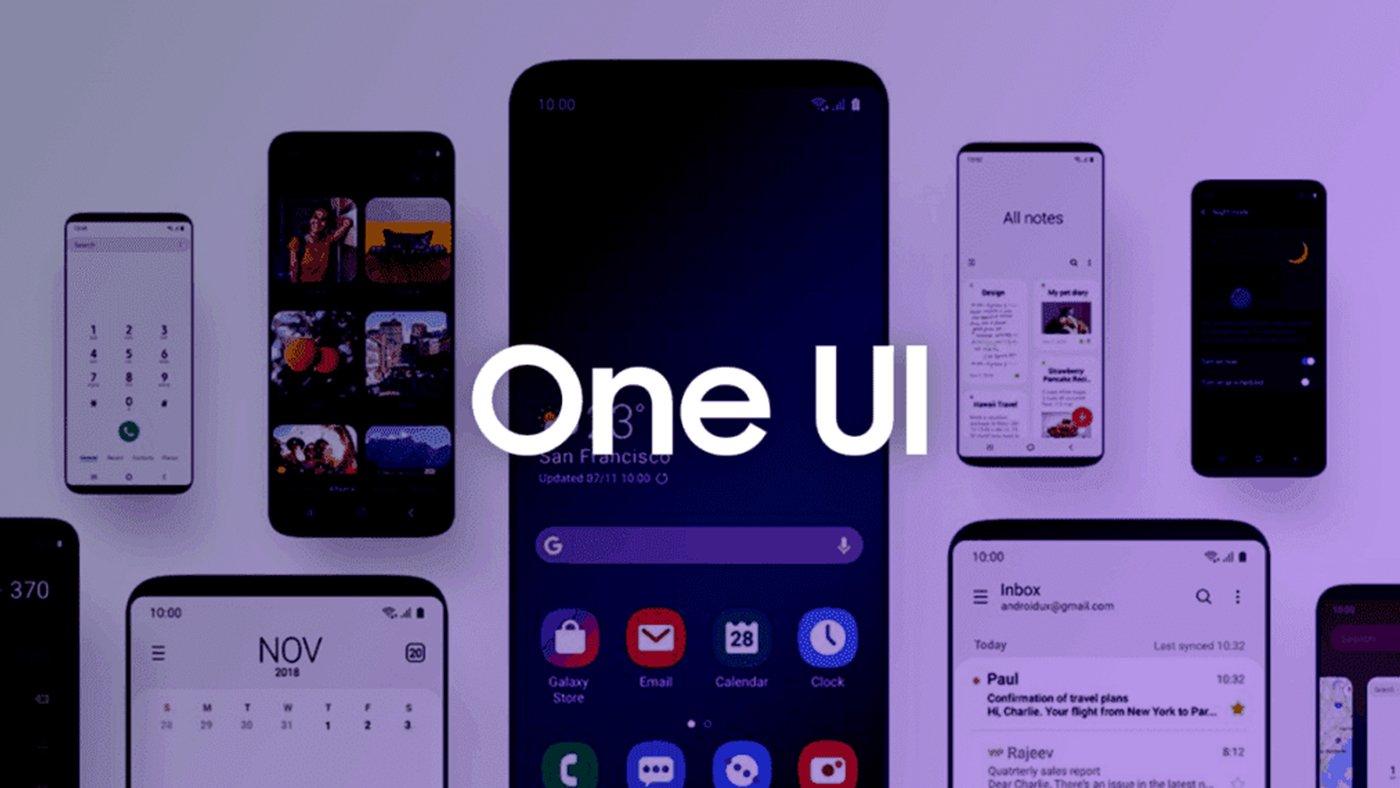
One of the most popular customization tools for Android phones is One UI, whose software includes very useful functions that you probably are not taking advantage of.
It should be noted that One UI is designed to facilitate the use of your mobile phone, with an attractive visual design. Therefore, here we show you four options.
This is one of the functions designed to facilitate multitasking for users, as it allows opening various applications in floating window mode.
All you have to do is open the app you want to run in multi-window mode and then open the recent applications menu. In the end, you should choose the Pop-up window option.
The equivalent of Siri for Samsung devices allows you to automate any task on your mobile. The tool uses artificial intelligence that learns and becomes familiar with options such as connecting to a wi-fi network, reducing the battery to a specific level, etc.
Good Lock allows you to access additional customization features in One UI. This option allows you to reduce the audio delay when using a Bluetooth headset and playing a video on the mobile so that the audio goes hand in hand with the audio.
The system status bar can get cluttered with icons, creating a sense of clutter that users often dislike. That is why Samsung gives the option to hide some icons to be able to clean that part.
This post was last modified on May 14, 2022 11:11 am
The John Wick series has established itself as one of the few major action series today that… Read More
After binge-watching Shadow and Bone season 2, many viewers have been left with a million… Read More
The thought of Thor coming down from the heavens and saving us from catastrophes is… Read More
The action movie industry has been dominated by superhero franchises such as Marvel and DC… Read More
You might be disappointed when you watch Tiller Russell's latest documentary series, Waco: American Apocalypse,… Read More
The Pope’s Exorcist is a horror movie released in 2023 that’s based on the life… Read More

