usb scaled
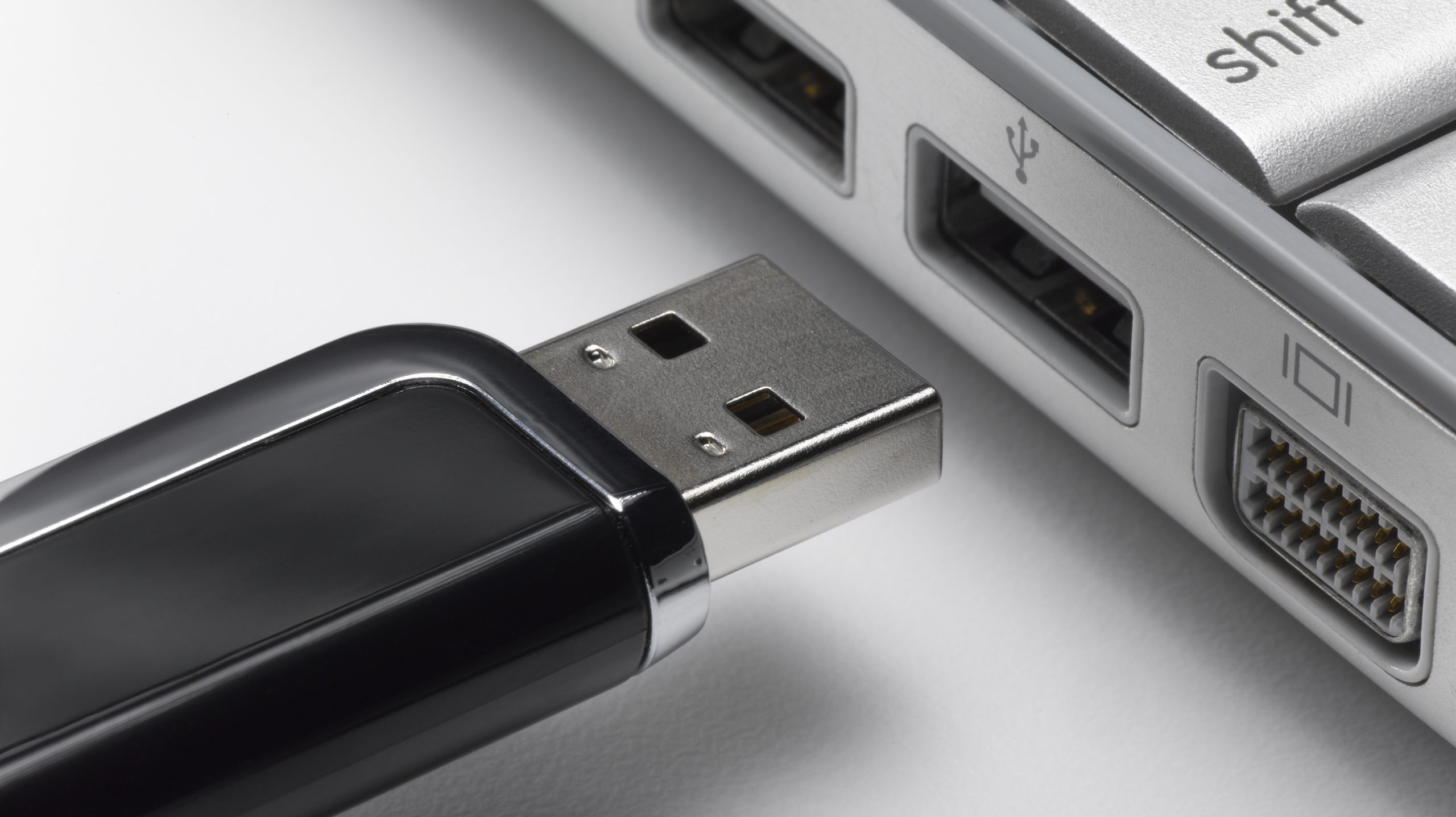
USB memories, especially those that have a large amount of storage, are important devices for users since they are used to store photos, videos, music, among other files, which can be moved to another computer very easily; just connect the Pendrive and copy its content. Is there a way to protect that information?
Believe it or not, there are several programs that will help you set a password to any USB memory or external hard drive. In this way, if you ever lose this gadget, rest assured that they will not be able to see your files since to unlock them they will have to enter a k
1. BitLocker
As detailed by the BBC, BitLocker is a program that you must install on your computer and that allows you to block the content of any USB or external hard drive. The only way to access that encrypted information will be by entering a password.
To encrypt a USB, just connect it to your computer (after BitLocker has been installed), right-click on the drive, and choose the ‘Enable BitLocker’ option. It will ask you for a password that you must always remember, otherwise you will lose that information.
2. Apple FileVault
This application is free and ideal for users who have a Mac, that is, an Apple computer. It works the same as the previous one, you just have to install it and when you connect a removable memory, put a key that is difficult to guess, but easy to remember.
3. VeraCript
This program is compatible not only with Windows but also with Linux and MacOS. One of its strengths is that, when you configure it, the Spanish language is available, so you will not make a mistake when you decide to put a password on your USB.
4. USB Safeguard
Unlike the previous ones, its free version only encrypts USB that have (at most) a capacity of 4 GB. If you have larger memory, you will have to purchase the premium version to protect your files.
5. Rohos Mini Drive
According to the aforementioned medium, this program is also easy to use, the problem is that it will take a long time to do its work, although this will depend on the number of files and the capacity of your USB or external memory.
This post was last modified on June 1, 2022 12:34 pm
The John Wick series has established itself as one of the few major action series today that… Read More
After binge-watching Shadow and Bone season 2, many viewers have been left with a million… Read More
The thought of Thor coming down from the heavens and saving us from catastrophes is… Read More
The action movie industry has been dominated by superhero franchises such as Marvel and DC… Read More
You might be disappointed when you watch Tiller Russell's latest documentary series, Waco: American Apocalypse,… Read More
The Pope’s Exorcist is a horror movie released in 2023 that’s based on the life… Read More
