Both the different applications and the system should be protected with different passwords. A password generator can help.
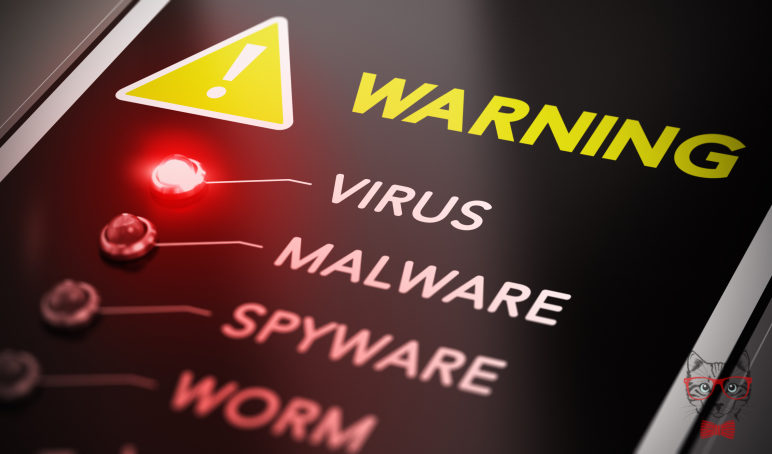
Trojans, viruses, worms … the list of malicious programs that can infect our computer is long. Here we tell you the possible dangers that threaten your computer and some tips to avoid them.
1. Posts that promise juicy profits, penis enlargements or send greetings from long-lost relatives
Emails from unknown senders do not always promise gold and Moor. Sometimes they look very normal. “The attachments and links included in the emails are some of the ways to infect our computer with malicious programs,” says Alexander Matheus, IT expert at the Electrotechnical, Electronics and Information Technology Association, VDE (for its German acronyms.) When it comes to detecting weak flanks in terms of safety, the “human factor” is always the main one, says Matheus. Even in formats as common as JPEG, which serves to show images, viruses can be crouched, since they include a base code with which to hack, for example, the computer’s browser.
2. By phone
There are hackers who telephone people by posing as security experts or system administrators to try to extract confidential information from their potential victims, such as passwords and other access data to their systems.
3. Internet pages
Sometimes, the web pages that the user visits may be infected with malware. And that not only happens in doubtful pages, but also in trusted sites. For example, in the banner or advertising slots can stalk malicious programs. When visiting these pages, the malware is installed inadvertently on the user’s computer.
4. Applications
Google’s Playstore and Apple’s Appstore usually examine their programs before the user can download them. “That’s why it’s rare to run into contaminated apps,” explains Alexander Matheus, “but outside of these official providers, there is a risk of running into malware in applications that is high.”
5. USB device
Before they were the diskettes or the CDs, today the USB devices. Also the hardware may be infected. “It’s a problem that security experts have known for a long time,” Matheus continues, “whoever connects a USB to their computer risks a malicious program being installed inadvertently.” But not only unknown USBs pose a danger. A new way to spread viruses takes place by modifying the USB cable’s electronics. At first glance, it seems that a cell phone or other device is charging the battery normally. But in the cable there may be some form of hidden keyboard, which gives orders without the user noticing in order to have access to the device.
6. Fax machines
Emails and other media have long since replaced the fax. But in many official offices, old fax machines or multifunction printers with fax connections are still in operation. They are not used very often, but precisely because of this, they can be a danger, since they do not have protection mechanisms and hackers can have easy access to them.
7. Surveillance cameras and other smart appliances
Their goal is to offer security, but they can be extremely unsafe. It’s about the smart security cameras. The owners of houses place them for example in the garden or in the entrance door, to protect their property from intruders. But often these cameras are connected to the WLAN network and, therefore, are potential targets. Other intelligent devices, when they are not properly protected, can also constitute a danger, such as television with internet or heating that can be regulated remotely. It is important to protect these devices with good passwords.
Some tips to protect yourself
-Install antivirus programs and download updates regularly. This routine should be applied not only to the operating system but to all the applications that are used frequently.
– Carry out regular backup copies of personal data. In this way, the user is safe in the hypothetical case that a Trojan horse enters the computer and demands money in exchange for the stolen data.
– Both the different applications and the system should be protected with different passwords. A password generator can help.
The John Wick series has established itself as one of the few major action series today that… Read More
After binge-watching Shadow and Bone season 2, many viewers have been left with a million… Read More
The thought of Thor coming down from the heavens and saving us from catastrophes is… Read More
The action movie industry has been dominated by superhero franchises such as Marvel and DC… Read More
You might be disappointed when you watch Tiller Russell's latest documentary series, Waco: American Apocalypse,… Read More
The Pope’s Exorcist is a horror movie released in 2023 that’s based on the life… Read More
