USB 1
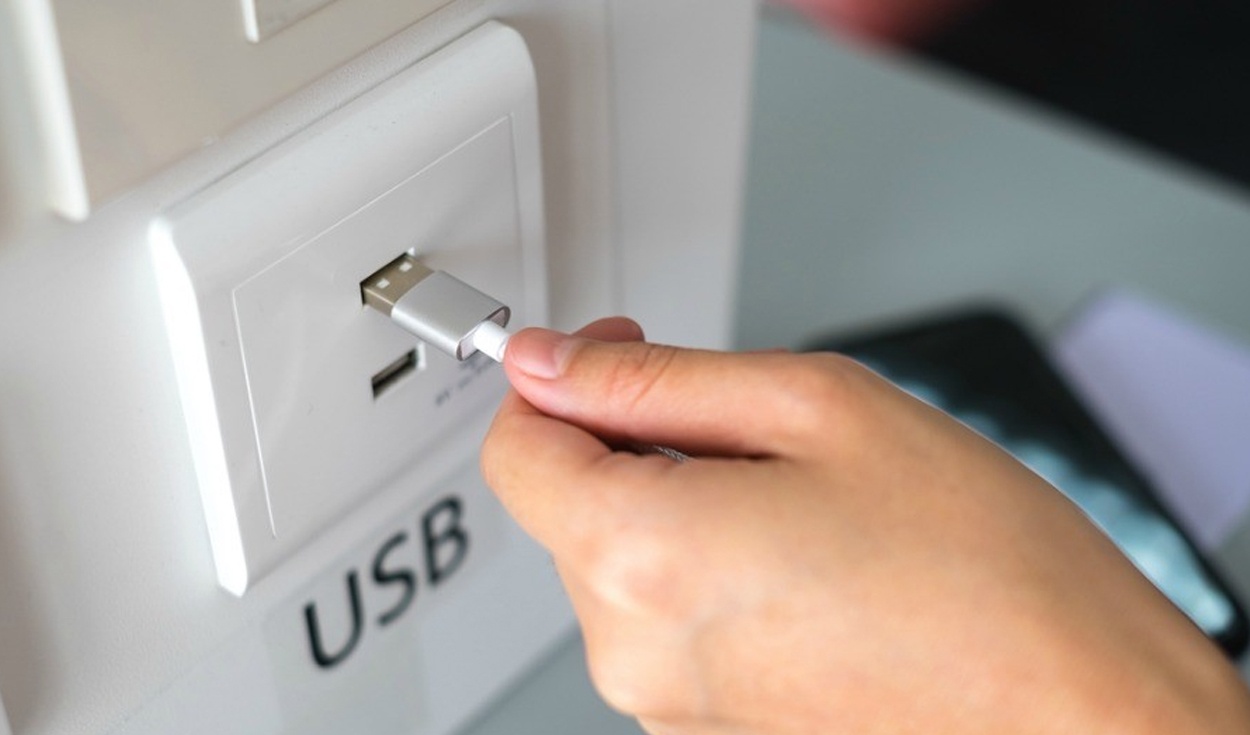
The public USB ports have become a relief for millions of people since they allow battery charging their smart phones; however, you must be very careful when connecting your smartphone or tablet, as some of these could have been altered by cybercriminals who seek to install malicious code on your mobile device. How to avoid it? Here are some useful tips.
As detailed by Xataka, a portal specialized in technology, this type of attack is known as juice-jacking and consists of modifying the public USB charging ports (taking advantage of their popularity) so that they infect devices (tablets or cell phones) with malware. to connect. In this way, cyber hackers can steal all our information.
How to avoid this problem?
It is recommended not to use the public USB ports unless it is very necessary. If this is the case, make sure that the data transfer option on your phone or tablet is not activated. In case a warning appears asking us if we can trust that device, you must say no since it is a way that cybercriminals use to enable it.
Another alternative that will be very useful to you, in case your smartphone has little autonomy, is to buy a powerbank. Currently, there are several models of these external batteries, which vary in price. The cheapest, for example, are usually 5,000 mAh, while the most expensive is 20,000 mAh or a higher capacity.
There are also the famous ‘ USB condoms ‘, which are small adapters that block the transfer of data but do allow the passage of current. Thanks to this device, it is possible to charge a phone in a public USB port without fear of malware entering the phone, although you should keep in mind that it will take a little longer.
USB memories, especially those that have a large amount of storage, are important devices for users since they are used to store photos, videos, music, among other files, which can be moved to another computer very easily; just connect the Pendrive and copy its content. Is there a way to protect that information?
Believe it or not, there are several programs that will help you set a password to any USB memory or external hard drive. In this way, if you ever lose this gadget, rest assured that they will not be able to see your files since to unlock them they will have to enter a key.
This post was last modified on November 21, 2021 1:21 pm
Creating a completely different series based on a universe that knows half the world can't… Read More
The strikes of scriptwriters and actors have put in check the constant flow of content to… Read More
Money Heist has returned to Netflix. This time as a prequel to the original series… Read More
One of the 50 best war films in cinema history turns 25 years old. And it is not… Read More
What is the singapore kiss In short, it is about emulating during intercourse, through the… Read More
Regarding patents, Sony is one of the technology companies that has carried out the most registrations in… Read More

