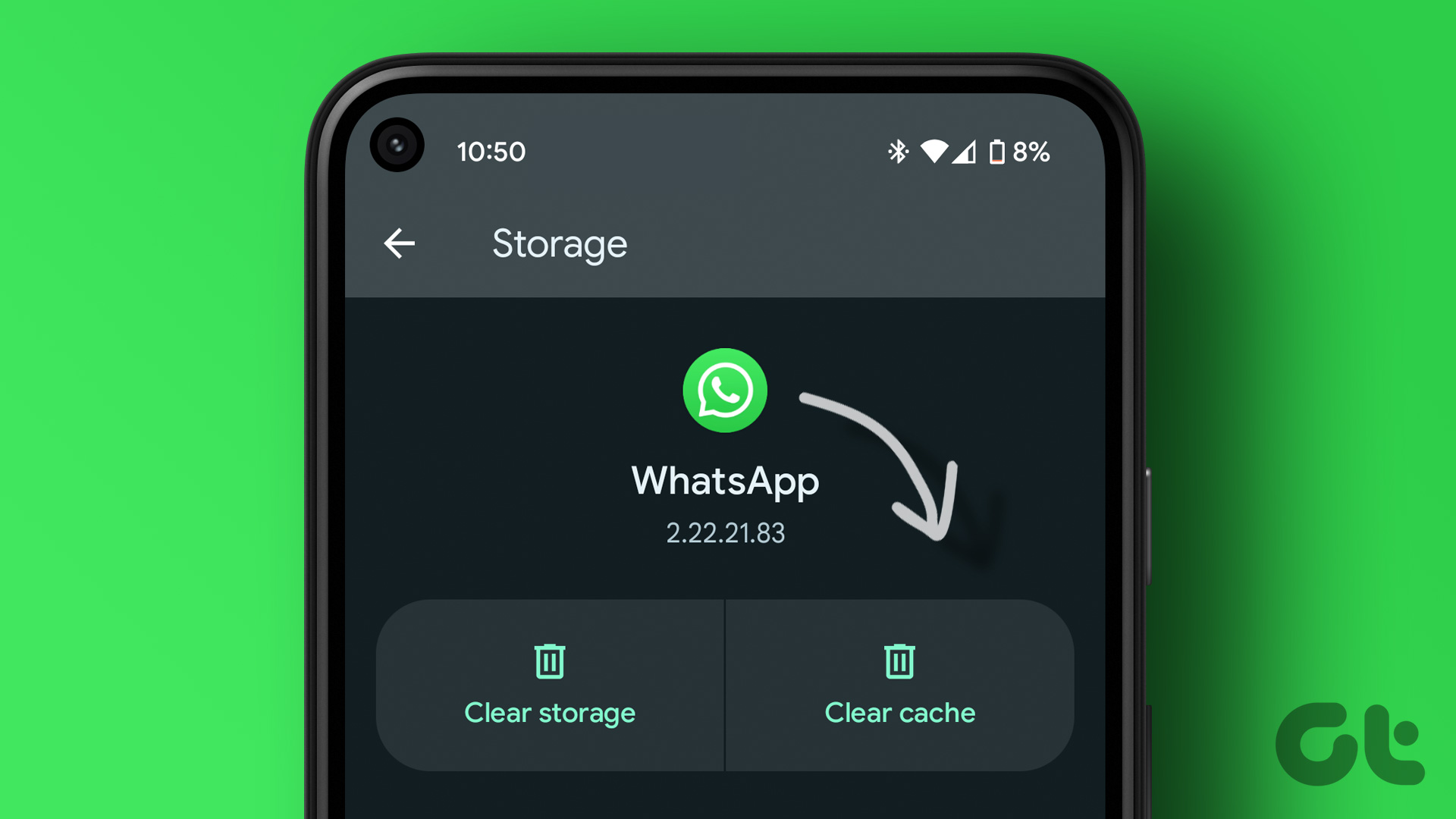
Today, we’ll show you how to prevent WhatsApp from taking up all of your phone’s internal storage. Today, we’ll show you how to prevent WhatsApp from taking up all of your phone’s internal storage, giving you significantly more room on your mobile device.
This time, we’ll teach you the best WhatsApp settings to avoid fast filling up your smartphone’s internal storage. There are three alternatives for freeing up and managing your cell phone’s storage space, which are as follows:
“Disable automatic file download”; “select the quality of the photos you send or receive”; and activate the “temporary messages”.
The WhatsApp backup is saved in the cloud, which means that the more weight it has, the faster it will consume Drive space, which is inconvenient for you because Google now only offers 15 GB for free that you may share with Gmail, Pictures, and Drive.
Check that WhatsApp does not have any pending updates, then click on the three-point icon in the top right to access the “Settings,” then click on the gear wheel icon in the lower right.
If you are linked to a Wi-Fi network, you will do the same; the ideal would be to download only images in both circumstances, because videos typically weigh many megabytes, and especially if members of a group tend to exchange memes and irrelevant files.
Return to “Storage and data,” then to the “File upload quality” section, and then click on “Picture upload quality.” You will be presented with three options: “Automatic (recommended),” “Best quality,” and “Data saving.” Choose the first or final option, not the middle.
If you do, WhatsApp will not compress the photographs you send or receive, which means they will be transferred at their original resolution, which will take up storage space.
You can use this feature to make all of the content of a chat vanish in a set amount of time. There are currently three options: 24 hours, 7 days, or three months. Additional times, ranging from one hour to one year, will be added in a future release.
“Temporary messages” destroy not only the content of a chat, but also the files in the internal WhatsApp folder. Remember that anything you download through WhatsApp is immediately saved in an internal folder that the app generates in your phone’s operating system. To use this feature, go to any chat and press the name of the contact, then click on “Temporary messages” and set the time.
document.head.appendChild(script);
This post was last modified on October 2, 2026 1:11 am
The John Wick series has established itself as one of the few major action series today that… Read More
After binge-watching Shadow and Bone season 2, many viewers have been left with a million… Read More
The thought of Thor coming down from the heavens and saving us from catastrophes is… Read More
The action movie industry has been dominated by superhero franchises such as Marvel and DC… Read More
You might be disappointed when you watch Tiller Russell's latest documentary series, Waco: American Apocalypse,… Read More
The Pope’s Exorcist is a horror movie released in 2023 that’s based on the life… Read More



