Cache
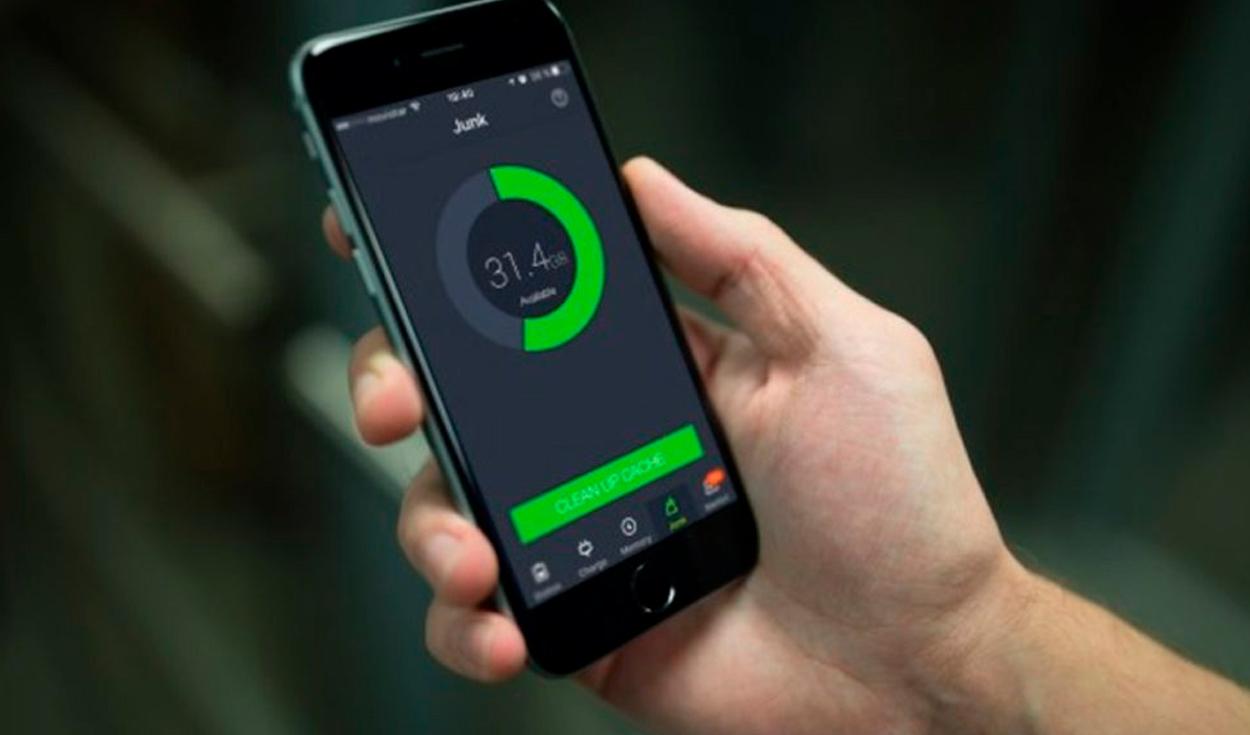
Problems often arise with an app running on a smartphone, so clearing the app’s cache or data is recommended in most cases. These actions are effective methods and allow that app to be used again without problems. However, depending on what the user requires, it may be better to use one option over another.
Cache memory is a type of ultra-fast memory that is built into the processor. It is responsible for storing the results of certain operations to avoid having to repeat those calculations again. In this way, it improves the performance of the phone, since it will make processes run faster, such as when opening an application.
The more an app is used on the phone, the more cache it will accumulate, which can end up taking up a lot of space on the device. Thus, while it results in faster operation, it may also cause malfunctions.
They are two actions that usually go together when trying to solve problems in an application, although in reality, they are very different. For example, in the case of the Spotify application being taken as a reference, the cache will have data on searches, playlists, covers that you have seen, among others. If you delete such memory, the data is deleted.
On the other hand, the application saves more information, such as content about logins or databases. When the clear data option is chosen, both the cache and this additional data are deleted. Thus, it is the equivalent of starting an application as if it had been installed for the first time.
Clearing the cache of an app is a temporary solution when it takes up too much storage on your phone: a method of freeing up space or if there is a malfunction. And although it offers certain advantages, if it is done very frequently it becomes an action that is not recommended, because it prevents you from obtaining greater performance. It should only be deleted only when necessary.
Wiping data is a more drastic process since everything related to the application is deleted. It is recommended to use this option only when there is a problem; If an update it starts to fail, it cannot be used or opened, then that is when you should delete data.
The John Wick series has established itself as one of the few major action series today that… Read More
After binge-watching Shadow and Bone season 2, many viewers have been left with a million… Read More
The thought of Thor coming down from the heavens and saving us from catastrophes is… Read More
The action movie industry has been dominated by superhero franchises such as Marvel and DC… Read More
You might be disappointed when you watch Tiller Russell's latest documentary series, Waco: American Apocalypse,… Read More
The Pope’s Exorcist is a horror movie released in 2023 that’s based on the life… Read More
