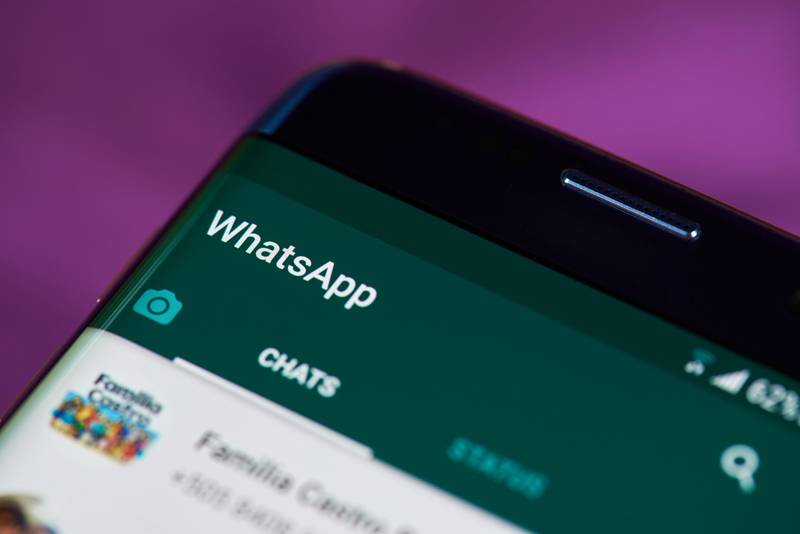
WhatsApp owned by Meta prepares new functions. Shutterstock
The famous WhatsApp Web application has recently launched a new voice memo player and we will show you how you can use it, so continue reading to learn step by step.
Today you will discover what is new about WhatsApp Web so that you can listen to your audio much more comfortably.
And there is no doubt that WhatsApp Web is more than willing to improve more and more, and now it has impacted lovers of the instant messaging platform with a new voice memo player that is in its Desktop beta version.
It may interest you: WhatsApp: What is ghost mode and how to activate it?
This is how we will let you know that this new tool is already available for iOS, although at the moment and unfortunately it is not available for Android or in its beta version.
In fact, we have previously mentioned the useful features of this application; however, now we will tell you how its new option available for the desktop beta works.
Surely it has happened to you that you want to listen to the audio of a conversation, while you review others; however, doing so stops playback and you have to re-enter the conversation to continue listening.
However, with this option, this is not the case, since you will be able to do this freely without stopping the recording.
By doing this, you will be able to see the player interface at the bottom of the application, where you can see how long the audio is and where it is in the playback, it will also have the option to pause or play.
In addition, as if that were not enough, you will also be able to see in that same interface the name of the conversation that the audio belongs to.
It should be noted that this version is still in beta, however, it will soon be officially launched for all users, so you have to be very careful and verify that you always have the latest version of WhatsApp Desktop downloaded.
However, if you use the Web, there is no problem, since it is always updated automatically.
Steps to enter this version of the app, take note!
Creating a completely different series based on a universe that knows half the world can't… Read More
The strikes of scriptwriters and actors have put in check the constant flow of content to… Read More
Money Heist has returned to Netflix. This time as a prequel to the original series… Read More
One of the 50 best war films in cinema history turns 25 years old. And it is not… Read More
What is the singapore kiss In short, it is about emulating during intercourse, through the… Read More
Regarding patents, Sony is one of the technology companies that has carried out the most registrations in… Read More
