IPHONE
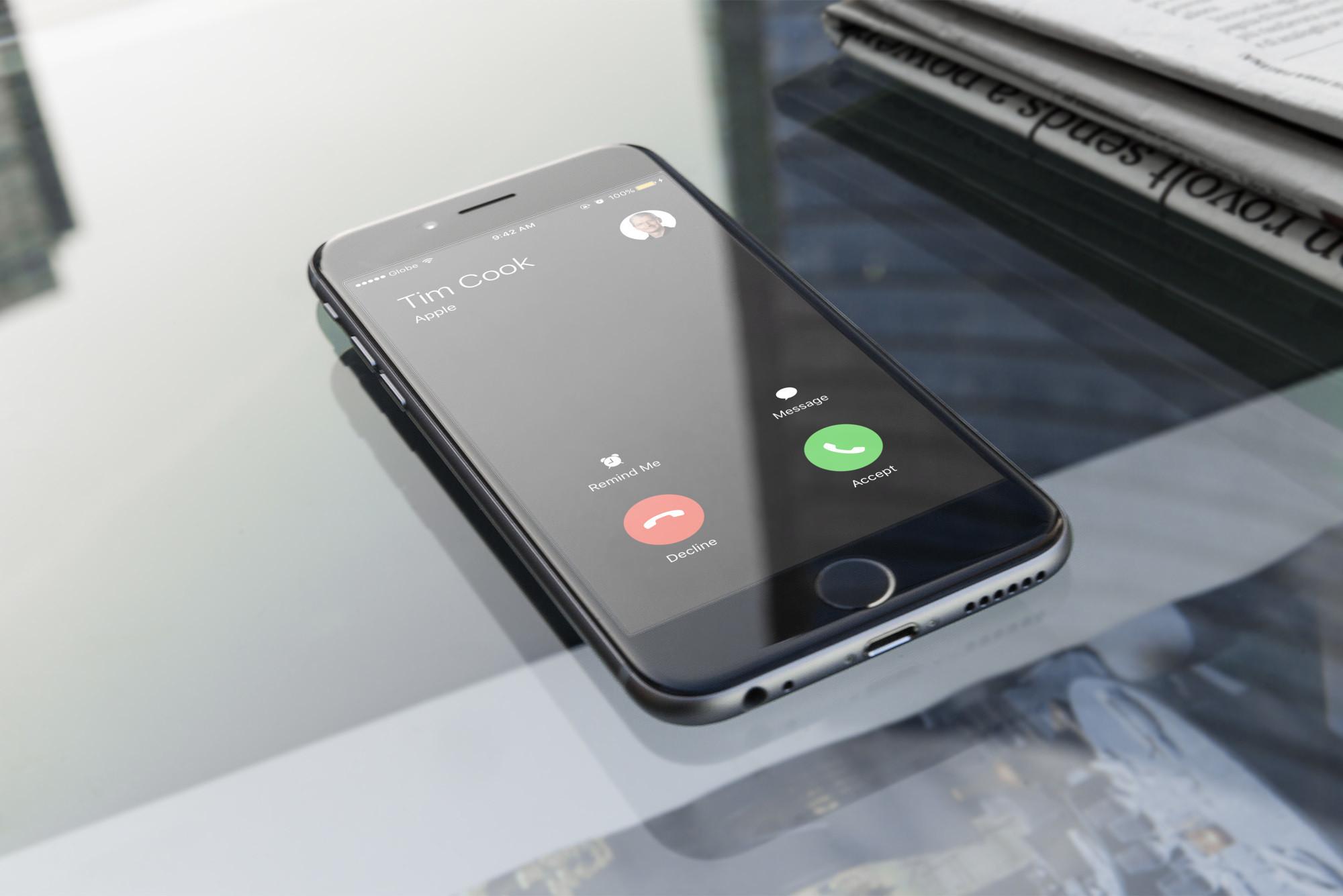
Let nothing interrupt you. If you are tired of receiving unwanted phone calls on your iPhone, the solution lies on your own device. Here’s how you can easily block certain numbers and send others directly to voicemail.
In iOS 13 and later versions, it is possible to activate a function called Silence unknown phone numbers, which blocks any user with whom you never had contact and who did not save in your phonebook. To do this, do the following:
After activating this feature on your device, all calls from unknown phone numbers will be muted, automatically sent to voicemail, and will appear in your recent calls list.
Only those calls from people saved in your contact book, your recent calls list, and Siri suggestions to tell you who is calling based on the phone numbers included in your text messages or email will come in.
In the event that you contact an emergency number, the mute function will be temporarily disabled for the next 24 hours so that anyone can contact your iPhone.
If you want to prevent certain users from contacting you, either by phone call or FaceTime, the best solution is to block them. Here are the steps to follow:
This post was last modified on December 21, 2021 12:24 am
The John Wick series has established itself as one of the few major action series today that… Read More
After binge-watching Shadow and Bone season 2, many viewers have been left with a million… Read More
The thought of Thor coming down from the heavens and saving us from catastrophes is… Read More
The action movie industry has been dominated by superhero franchises such as Marvel and DC… Read More
You might be disappointed when you watch Tiller Russell's latest documentary series, Waco: American Apocalypse,… Read More
The Pope’s Exorcist is a horror movie released in 2023 that’s based on the life… Read More
